On this page
Symbol Format Settings for 1-Point Symbols
Settings for 1-point symbols such as units, installations and equipment. The other format settings of symbol.army are described under Symbol Format.
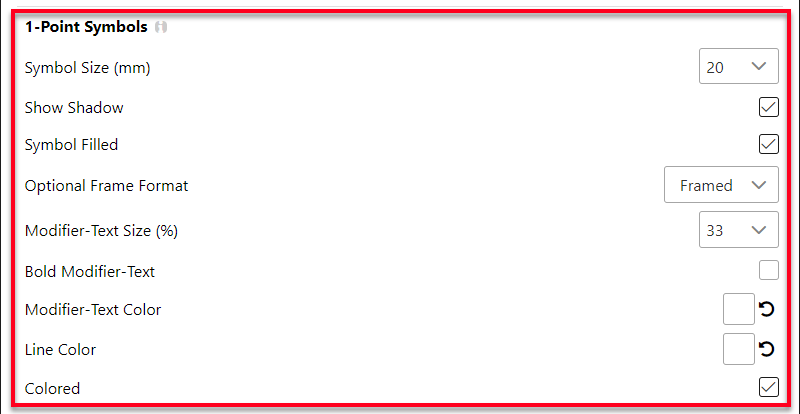
Size and shadow
Symbol Size — the height of the base frame of the symbol, in millimetres. Choose 10, 15, 20 or 25 mm, or enter a value from 0.1 to 99 mm. The default is 20 mm.
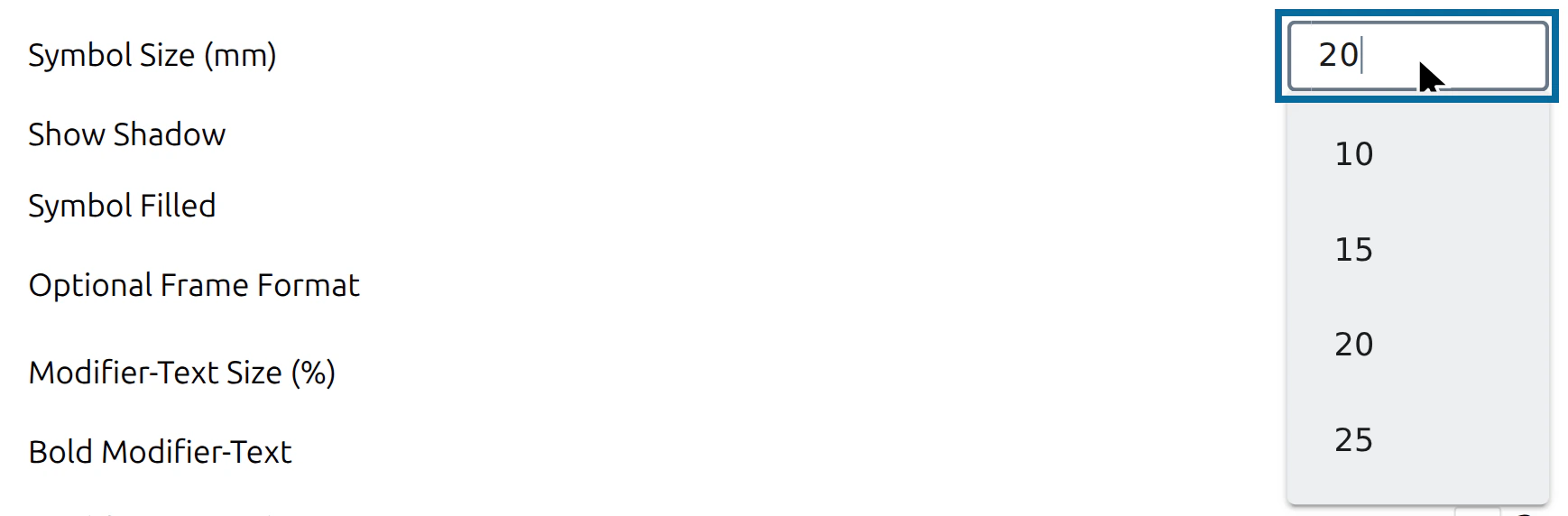
The Symbol Size sets how large the symbol is shown in the Main Window (in the Vector Graphic (SVG) display). The size of a downloaded image is set separately under Export Format.
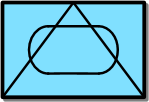
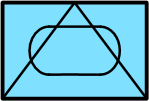
Show Shadow — if the flag is set, the base frame of the symbol casts a shadow. Default: on.
 |  |
|---|---|
| Shadow | No Shadow |
Frame and fill
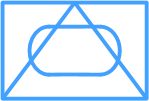
Symbol Filled — if the flag is set, the base frame of the symbol is filled. Default: on. With Colored switched on, the fill uses the colour of the affiliation:
| Affiliation | Fill colour |
|---|---|
| Friend, Assumed Friend, Exercise Friend, Exercise Assumed Friend | Light blue (#80E0FF) |
| Hostile, Suspect, Joker, Faker | Light red (#FF8080) |
| Neutral, Exercise Neutral | Light green (#AAFFAA) |
| Unknown, Pending, Exercise Unknown, Exercise Pending | Light yellow (#FFFF80) |
With Colored switched off, the fill is white. Without Symbol filled, the frame stays empty.
|  |
|---|---|
| Symbol Filled | Symbol not filled |
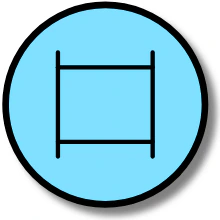
Optional Frame Format — some symbols can be drawn with or without a frame — mainly equipment. The symbology library defines for every symbol whether its frame is fixed or optional. Choose Framed (default) or Unframed: Unframed only affects symbols with an optional frame; all other symbols keep their affiliation frame.

 |  |
|---|---|
| Framed | Unframed |
Modifier text
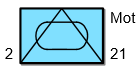
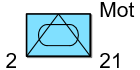
Modifier-Text Size — here you can change the text size of the modifiers around the symbol. The value corresponds to % of the height of the Base Symbol, from 1% to 99%. The default is 33%.
 |  |
|---|---|
| Size 33% | Size 60% |
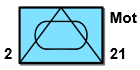
Bold Modifier-Text — if this flag is set, the modifier texts are shown in bold. Default: off.
|  |
|---|---|
| Normal | Bold |
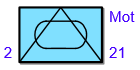
Modifier-Text Color — sets the colour of the modifier texts. By default the colour is chosen automatically.
|  |
|---|---|
| Standard | Blue Text |
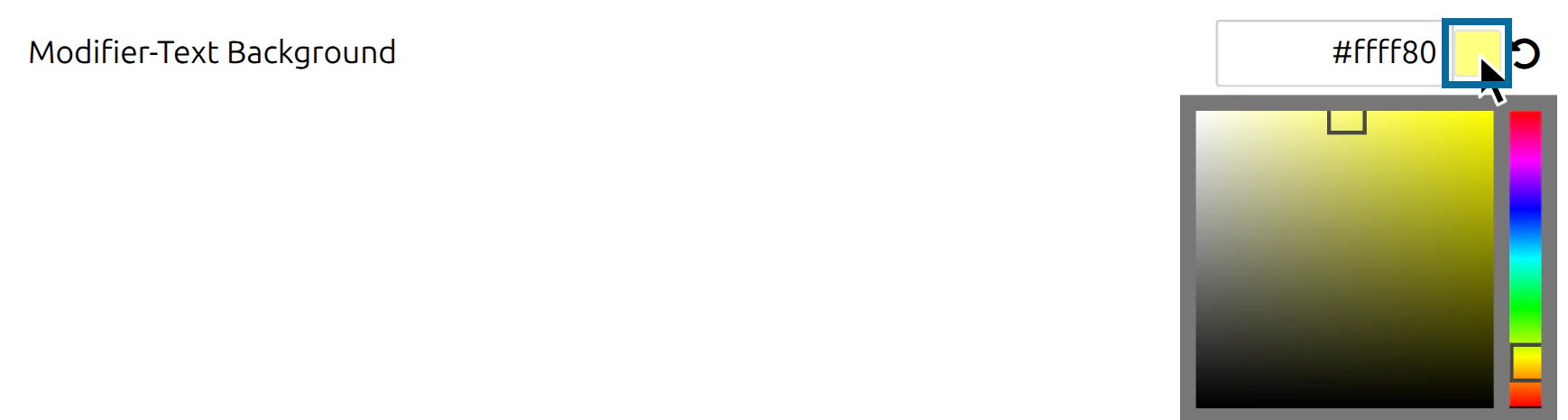
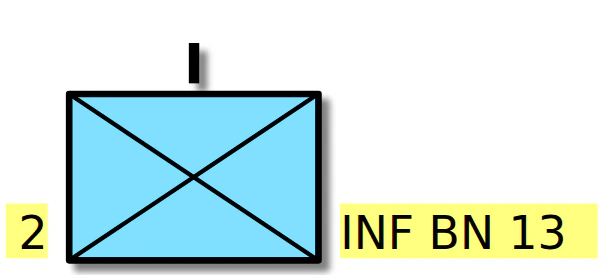
Modifier-Text Background — sets a background colour behind the modifier texts, to keep them readable on top of other graphics. By default the colour is chosen automatically.
Colours
Line Color — sets the colour of the symbol lines. By default the colour is chosen automatically.
| 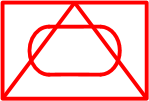 |
|---|---|
| Standard | Red Lines |
Colored — determines whether the symbol is displayed in colour or in black and white. In black and white, lines and texts are black and the fill is white. Default: on.
| 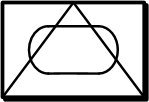 |
|---|---|
| Standard | Not colored |
Last updated: