On this page
Symbol Format: Size, Frame and Fill Settings
This section describes the settings and options for formatting in symbol.army.
Overview
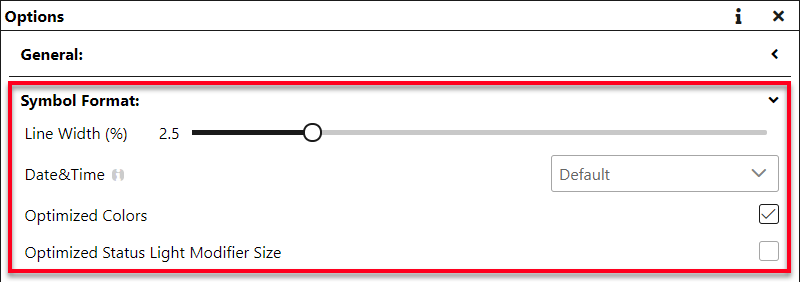
The Symbol Format section of the Options adapts the appearance of all symbols to your requirements. Every change is applied immediately — to the symbol in the Main Window and to every download. The defaults listed below are those of the International Work Mode; the Extended Work Mode uses partly different defaults (for example the date-time format).
Line Width
The line width is given in % of the symbol size, from 0.5% to 10%. The default is 2.5%.
 |  |
|---|---|
| 2.5% | 4% |
Date&Time
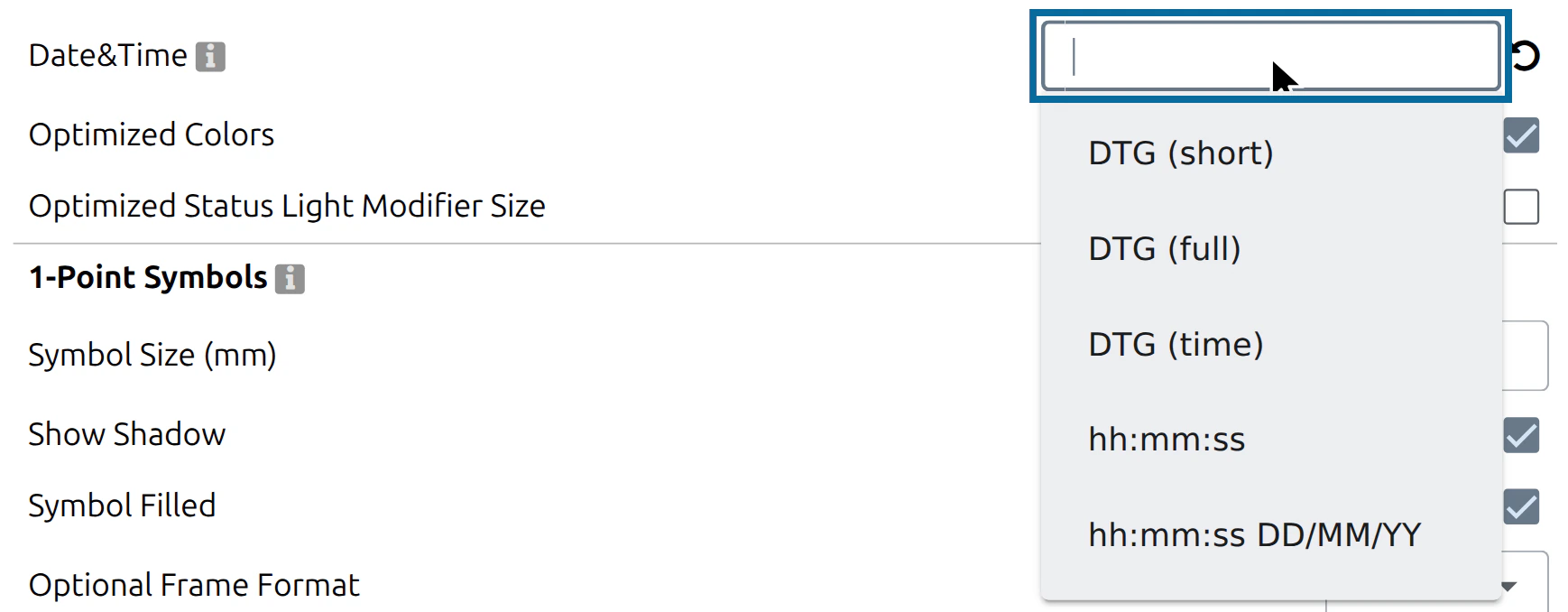
The format of date and time modifiers (for example the date-time group of a unit). Choose one of the presets from the list, or enter your own format.
| Preset | Format | Note |
|---|---|---|
| Default | (empty) | The MIL-STD-2525C date-time group: day, hour, minute, second, time-zone letter, month in capitals, year — for example 01120000ZOCT26. Default in the International Work Mode. |
| DTG (full) | ddhhmmsswmmmyy | As above, with the month in mixed case (Oct) |
| DTG (short) | ddhhmmwmmmyy | Without seconds |
| DTG (time) | ddhhmmw | Day and time only |
hh:mm:ss dd/mm/yy | Default in the Extended Work Mode | |
hh:mm:ss, dd/mm/yy, dd/mm/yyyy, … | Further presets in the list |
The following characters can be used in your own format:
| Sign | Description |
|---|---|
| Year | |
| yy | Year with 2 digits (00-99) |
| yyyy | Year with 4 digits (0000-9999) |
| Month | |
| m | Month as number without leading zero (1-12) |
| mm | Month as number with leading zero (01-12) |
| mmm | Name of month as abbreviation (depends on the server, for example: Jan) |
| mmmm | Name of month (depends on the server, for example: January) |
| Day | |
| d | Day as number without leading zero (1-31) |
| dd | Day as number with leading zero (01-31) |
| ddd | Name of day as abbreviation (depends on the server, for example: Sat) |
| dddd | Name of day (depends on the server, for example: Saturday) |
| Hour | |
| h | Hour without leading zero (0-23) |
| hh | Hour with leading zero (00-23) |
| am/pm | The time is displayed in 12 hour format |
| a/p | The time is displayed in 12 hour format |
| Minute | |
| n | Minute without leading zero (0-59) |
| nn | Minute with leading zero (00-59) |
| Second | |
| s | Second without leading zero (0-59) |
| ss | Second with leading zero (00-59) |
| Time zone | |
| w | Military time-zone letter (Z = UTC, A = UTC+1, … M = UTC+12, N = UTC−1, … Y = UTC−12; J is not used) |
| ww | Time zone as GMT offset, e.g. GMT+1 |
| www | Time zone as UTC offset, e.g. UTC+1 |
| @letter | At the start of the format: convert the time into this time zone first, e.g. @A |
| ;language | At the end of the format: language of month and day names — ;en (default), ;de, ;fr or ;it |
| Signs | |
| : | Time separator of the server’s locale |
| / | Date separator of the server’s locale |
| ‘Xyz’ | Characters enclosed in double or single quotation marks are displayed as text |
| Local specific Date-time strings | |
| ddddd | Use the server’s specific short date format |
| dddddd | Use the server’s specific long date format |
| t | Use the server’s specific short time format |
| tt | Use the server’s specific long time format |
Optimized Colors
If the symbol is not filled, the line colour is optimized for better readability. Default: on.

Optimized Status Light Modifier Size
If a symbol shows the status light modifier, the status light is drawn larger when this checkbox is set. Default: off (on in the Extended Work Mode).

1-Point Symbols
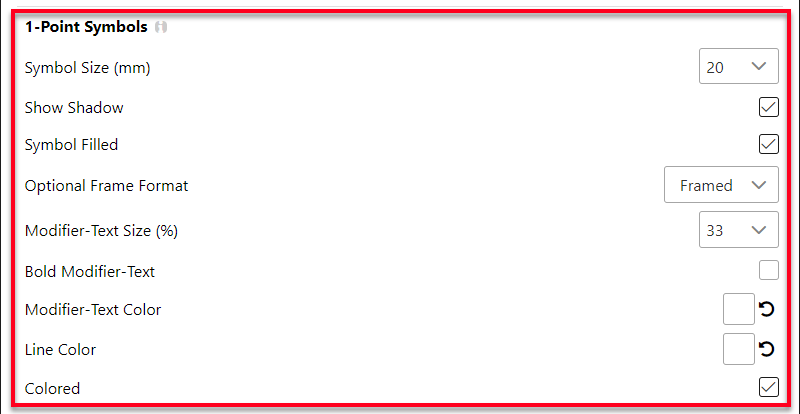
Settings for 1-point symbols such as units, installations and equipment.
Symbol Size
The height of the base frame of the symbol, in millimetres. Choose 10, 15, 20 or 25 mm, or enter a value from 0.1 to 99 mm. The default is 20 mm.
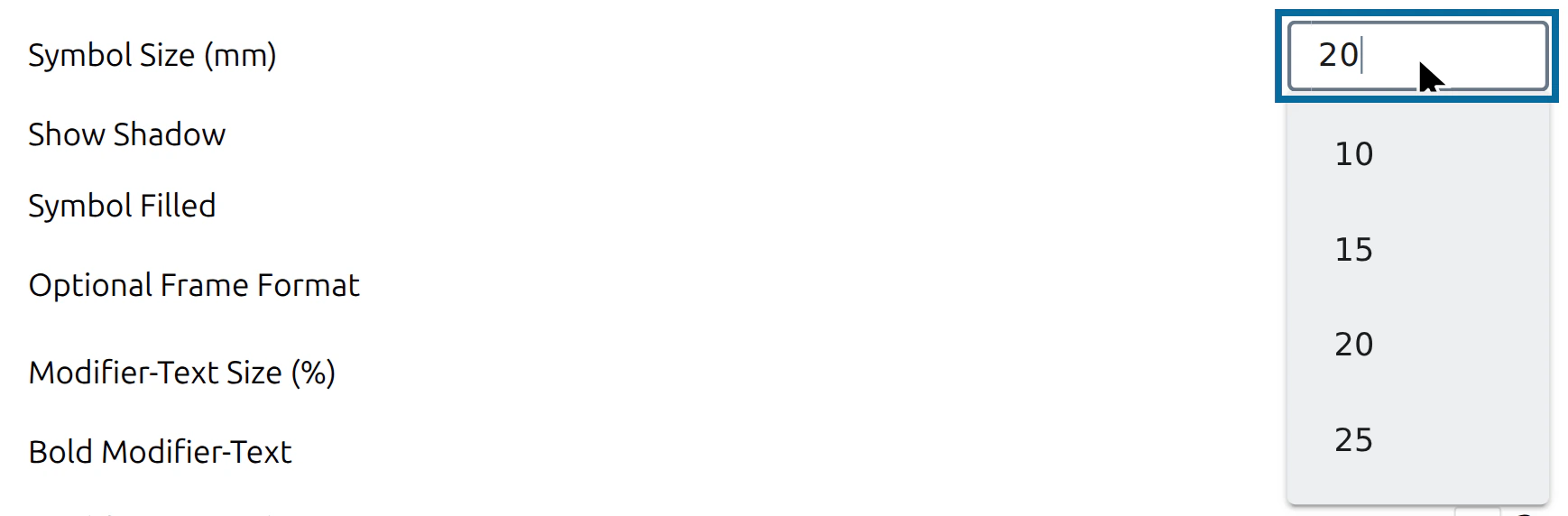
The Symbol Size sets how large the symbol is shown in the Main Window (in the Vector Graphic (SVG) display). The size of a downloaded image is set separately under Export Format.
Show Shadow
If the flag is set, the base frame of the symbol casts a shadow. Default: on.
| 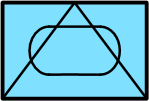 |
|---|---|
| Shadow | No Shadow |
Symbol Filled
If the flag is set, the base frame of the symbol is filled. Default: on. With Colored switched on, the fill uses the colour of the affiliation:
| Affiliation | Fill colour |
|---|---|
| Friend, Assumed Friend, Exercise Friend, Exercise Assumed Friend | Light blue (#80E0FF) |
| Hostile, Suspect, Joker, Faker | Light red (#FF8080) |
| Neutral, Exercise Neutral | Light green (#AAFFAA) |
| Unknown, Pending, Exercise Unknown, Exercise Pending | Light yellow (#FFFF80) |
With Colored switched off, the fill is white. Without Symbol filled, the frame stays empty.
|  |
|---|---|
| Symbol Filled | Symbol not filled |
Optional Frame Format
Some symbols can be drawn with or without a frame — mainly equipment. The symbology library defines for every symbol whether its frame is fixed or optional. Choose Framed (default) or Unframed: Unframed only affects symbols with an optional frame; all other symbols keep their affiliation frame.

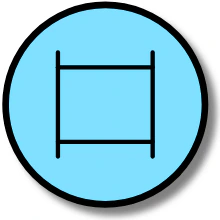 | 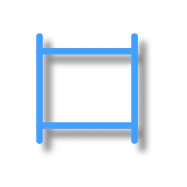 |
|---|---|
| Framed | Unframed |
Modifier-Text Size
Here you can change the text size of the modifiers around the symbol. The value corresponds to % of the height of the Base Symbol, from 1% to 99%. The default is 33%.
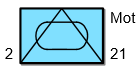 | 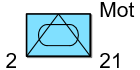 |
|---|---|
| Size 33% | Size 60% |
Bold Modifier-Text
If this flag is set, the modifier texts are shown in bold. Default: off.
| 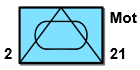 |
|---|---|
| Normal | Bold |
Modifier-Text Color
Sets the colour of the modifier texts. By default the colour is chosen automatically.
| 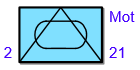 |
|---|---|
| Standard | Blue Text |
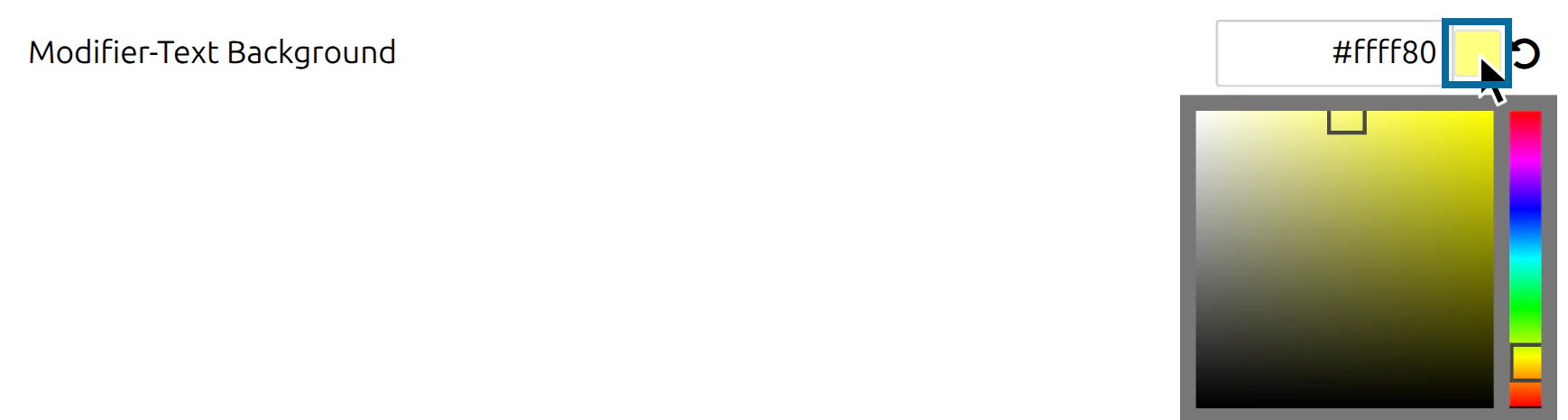
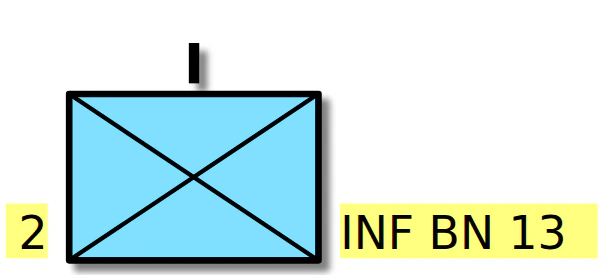
Modifier-Text Background
Sets a background colour behind the modifier texts, to keep them readable on top of other graphics. By default the colour is chosen automatically.
Line Color
Sets the colour of the symbol lines. By default the colour is chosen automatically.
| 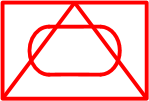 |
|---|---|
| Standard | Red Lines |
Colored
Determines whether the symbol is displayed in colour or in black and white. In black and white, lines and texts are black and the fill is white. Default: on.
| 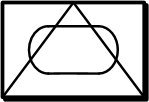 |
|---|---|
| Standard | Not colored |
Tactical Graphics
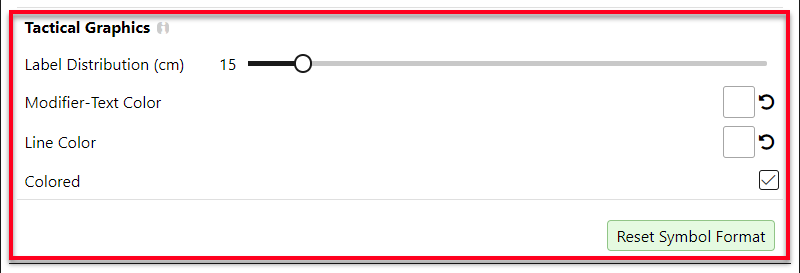
Settings for tactical graphics — symbols with more than one reference point.
Label Distribution
The distance between repeated text labels along a tactical graphic (for example along a line), from 5 to 100 cm. The default is 15 cm.

Modifier-Text Color (Tactical Graphics)
Sets the colour of the modifier texts of tactical graphics. By default the colour is chosen automatically.

Line Color (Tactical Graphics)
Sets the colour of the lines of tactical graphics. By default the colour is chosen automatically.

Colored (Tactical Graphics)
Determines whether tactical graphics are displayed in colour or in black and white. Default: on.

Reset Symbol Format
Reset Symbol Format sets all symbol format options back to their default values. The button is disabled while all options already have their default value. A single option can also be reset with the reset icon next to it.
 |  |
|---|---|
| All options at default | After a change |
Last updated: